I’ve been working on a little python script to randomize factions by writing data to a .json file in my mod directory, but I can’t figure out how to change the images used for structures in the town hall (the screen where you upgrade buildings and such. I got the sprites working for the main town view). If I want to e.g. change the pikemen guardhouse image to the centaur stables image in the town hall, what would the basic json format be? By checking the town hall .defs, I can see that the former is ThCsPik1.pcx and the latter TPRCen1.pcx, but I can’t figure out what .json value or anything else to change to swap one image for the other. I can’t tell how the listed images in the town hall .def are actually referenced by either the faction .json or the game code.
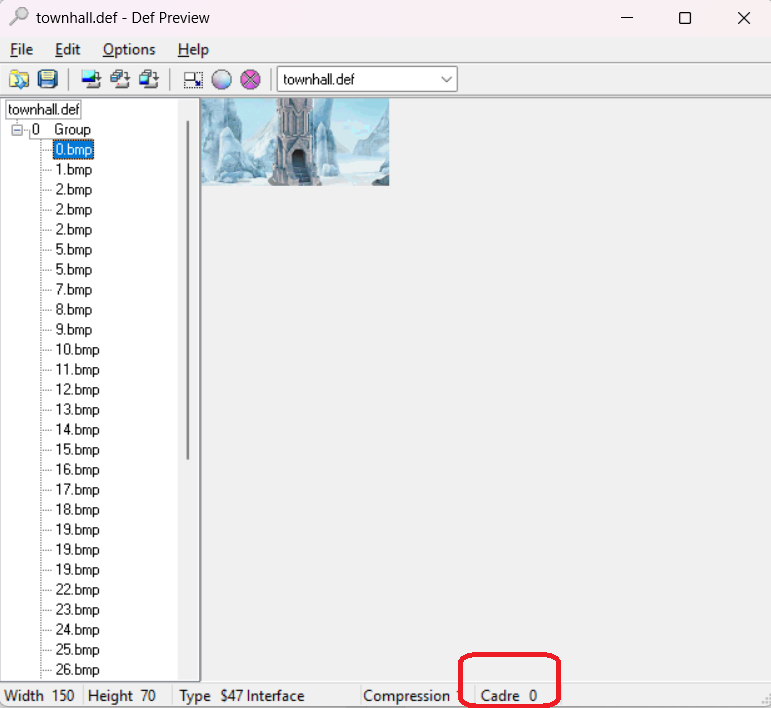
Just notice, that Cadre number in townhall.def is number of building "id" and frame number
List of ids with their numbers you can find in buildingsLibrary.json
Thanks for the information, it was very useful. Any idea how to fix the resolution/scaling of the extracted images though? This is how it appears when I use the images extracted from the game files in my custom json.
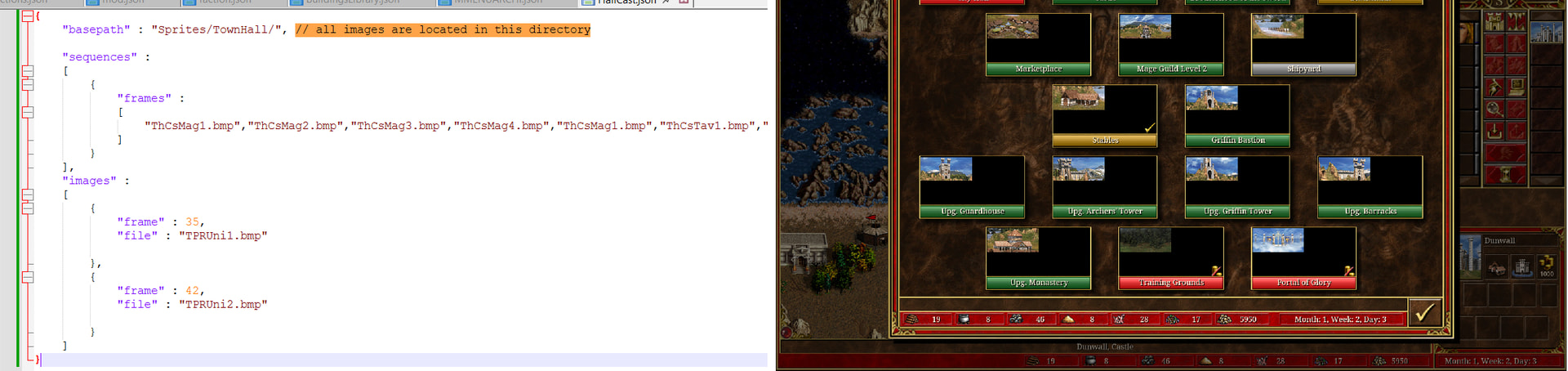
As far I know, townhall format has only “images” part, not “sequences”…
That wasn’t the problem, using either “sequences” like I did or “images” have the same result. I did find out that launching the game in a lower resolution (800x600 windowed) seems to work as expected:
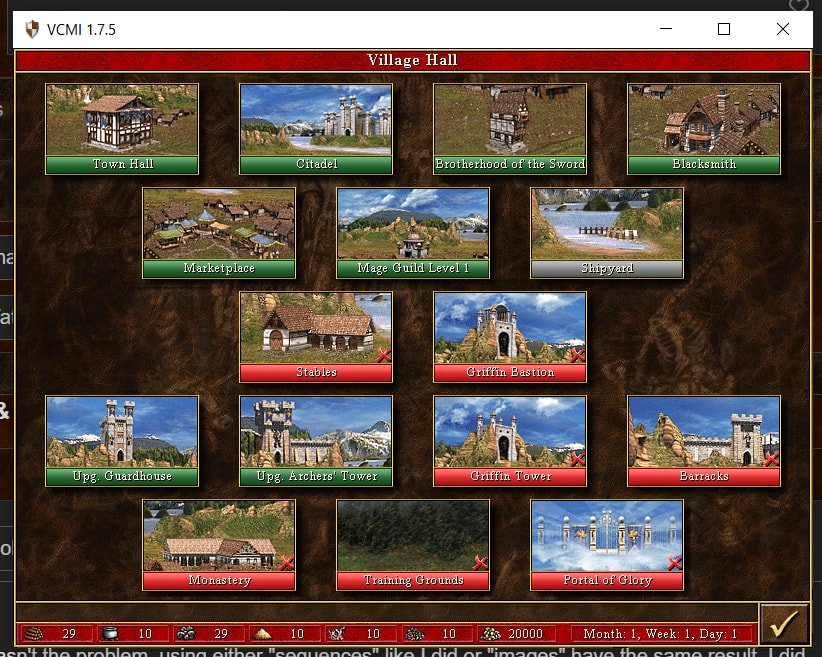
The scaling issue appears at higher resolutions (e.g. 1920x1080). It seems like a problem with scaling sprites when they are defined by .json and not .def
Not likely. Other mods which use json and pgns don’t have this problem with higher resolutions.
I figured it out: I needed to change "basepath" : "Sprites/TownHall/" to just "basepath" : "TownHall/" in my file. Not sure why that means it could find the images but not scale them though. Anyway, thanks for your help.
